A free app for Android, by Design Space Studio.
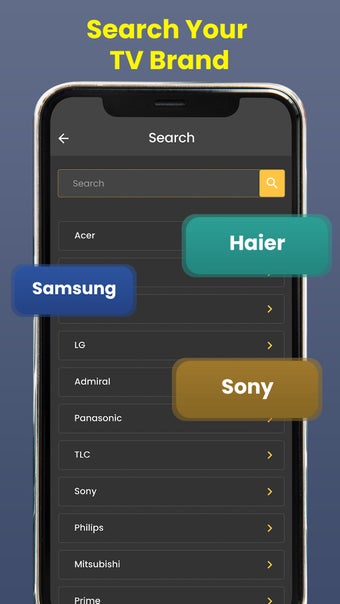
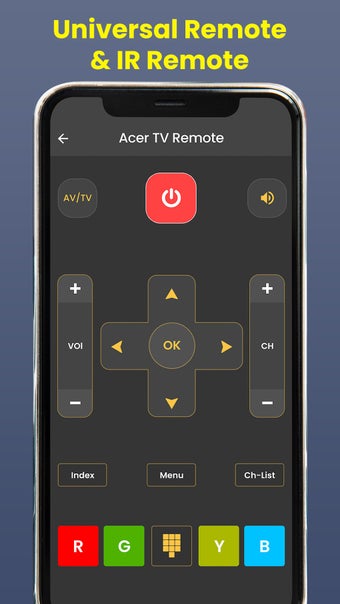
Universal TV Remote Control TV is a smart TV remote app that allows you to control all the functions of your television with a simple interface. It works through Wi-Fi, which means that it is not necessary to have a Wi-Fi network at your home. You can also use it with IR TVs.
Top Recommended Alternative

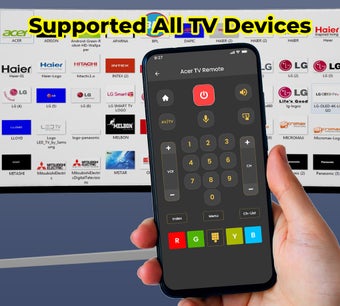
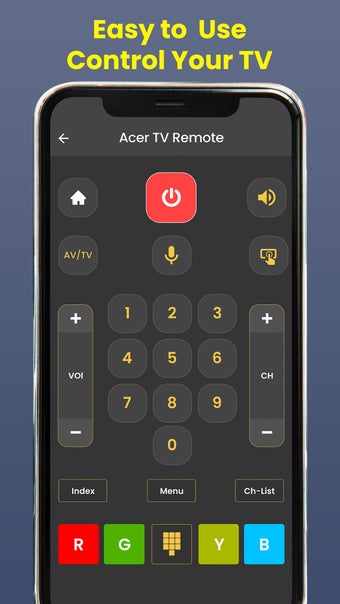
It has the ability to pause, play, and stop channels. It can also change the channels. It is very simple to use and understand. It works on all the TV brands.
To use the app, you need to download it on your device and then install it on your TV. Once it is installed, you can use it to control your television.
To pause, play, or stop channels, you need to click on the channel you want to pause, play, or stop. You can also change the channels by clicking on the channel you want to change.
To change the volume, you need to click on the volume button on the top right of the screen. You can also change the volume by using the up and down buttons.